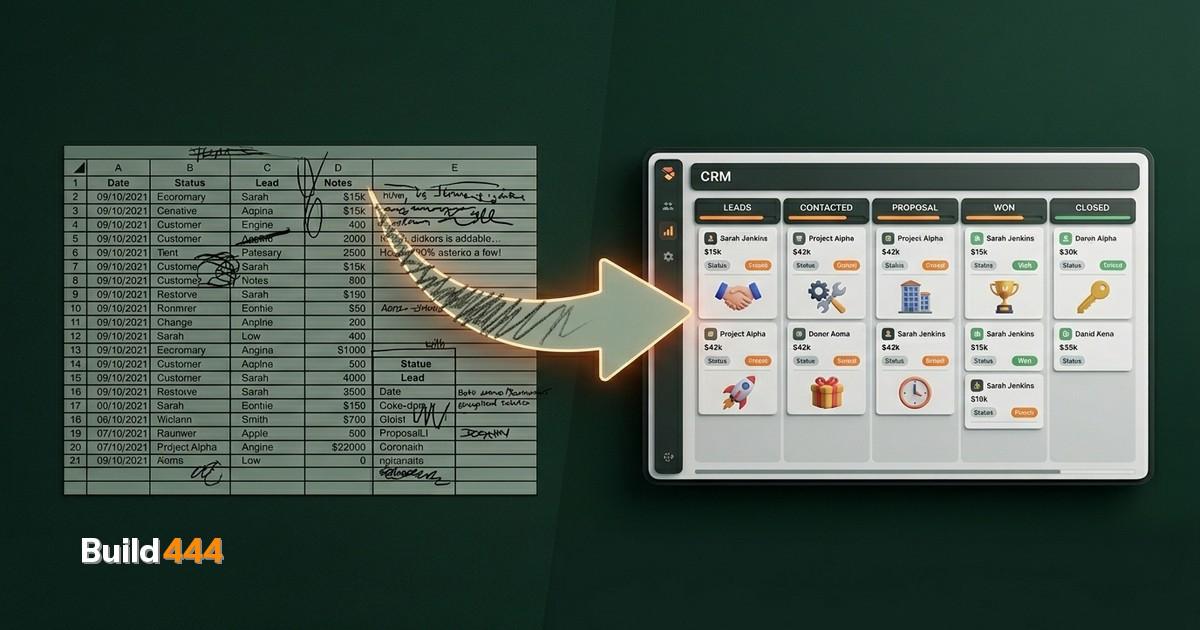
Most CRM projects fail. Not because the software is bad.
They fail because someone picked a platform, imported a CSV, and told the team to figure it out. That is not implementation. That is wishful thinking.
I have deployed CRMs for companies ranging from 3-person startups to TITAN Containers with 27 countries and 5 brands. The pattern is always the same. The companies that plan properly get a system that actually gets used. The companies that rush get expensive shelf-ware.
These are the 15 steps that separate success from a $50,000 mistake. They are grouped into five phases. Do them in order.
Phase 1: Discovery
This is where 80% of the value is created. Skip this and the rest does not matter.
1. Define your goals with numbers
"We want better lead management" is not a goal. "We want to reduce lead response time from 48 hours to under 4 hours" is a goal. "We want to increase pipeline visibility" is vague. "We want every salesperson to update deal stages within 24 hours of a status change" is specific.
Write down 3-5 goals. Each one needs a number. Those numbers become your success metrics after launch.
2. Audit your current process
Before you choose software, document what your team actually does. Not what they should do. What they do.
Shadow your sales team for a week. Watch how they track leads. Where do they log notes? How do they know when to follow up? Where do deals go when they stall?
This is painful. You will discover things you do not like. That is the point. You cannot fix a process you do not understand.
3. Map your data
Where does your customer data live right now? Spreadsheets, email inboxes, sticky notes, someone's memory? Make a complete inventory.
For each data source, document: what fields exist, how many records, how clean is it (duplicates, missing fields, outdated entries), and who owns it.
This inventory becomes your migration plan. If you are still running on spreadsheets, this step will show you exactly how fragmented things have gotten.
Phase 2: Selection
Now that you know what you need, you can make an informed choice.
4. Evaluate platforms against your requirements
Not features. Requirements. There is a difference.
HubSpot has 500 features. You need 12 of them. Salesforce has enterprise-grade everything. You have 8 people. A custom CRM gives you exactly what you need but takes longer to build.
Score each platform against your Phase 1 goals. The one that scores highest on the things that matter to you wins. Not the one with the longest feature list.
5. Check integrations before you commit
List every tool your team uses daily. Email client, calendar, accounting software, marketing tools, project management, communication platforms. Now check which CRM connects to those tools natively.
Missing a critical integration means custom development or manual workarounds. Factor that cost into your platform comparison.
6. Plan the migration
Data migration is where timelines die. Plan it now, not after you have committed.
Decide: what data moves, what gets archived, what gets cleaned. Set a cutover date. Assign someone to own the migration. Build in a parallel-run period where both systems are active.
A clean migration of under 5,000 contacts takes 2-4 hours. A messy migration of 50,000 records with duplicates, inconsistent formatting, and missing fields takes weeks.
Want to know where your website stands?
Get your full site analysis →Phase 3: Build
Configuration, not just installation.
7. Configure your pipelines
Your pipeline stages should mirror your actual sales process from Phase 1, not HubSpot's defaults. Every stage needs clear entry criteria and exit criteria.
Resist the temptation to add too many stages. Five to seven is the sweet spot for most sales processes. Each stage should represent a meaningful change in the buyer's commitment level.
8. Set up automation
Start with the three automations that save the most time:
- Lead assignment. New leads get routed to the right person automatically based on territory, deal size, or round-robin.
- Follow-up reminders. If a deal sits in a stage too long, the owner gets notified. If a lead goes quiet for 7 days, a task gets created.
- Email sequences. Post-proposal follow-up, post-meeting recap, re-engagement for stalled deals.
Do not automate everything on day one. Automate the three biggest pain points from your audit. Add more later once those are working. For more on sales pipeline automation, we wrote a full guide.
9. Create dashboards and reports
Build exactly three dashboards to start:
- Pipeline overview: deals by stage, total value, weighted forecast.
- Activity dashboard: calls made, emails sent, meetings booked, tasks completed.
- Performance dashboard: conversion rates by stage, average deal cycle, revenue by source.
If nobody looks at a dashboard, delete it. Dashboards that nobody uses create noise, not insight.
Phase 4: Launch
This is where good planning pays off.
10. Train your team properly
Training is not a one-hour demo. It is:
- A walkthrough of the daily workflow in the CRM (what to do first thing in the morning, how to log a call, how to move a deal)
- Role-specific training (managers see reports, reps see pipeline, support sees tickets)
- Written quick-reference guides they can check without asking
- A designated go-to person for the first 30 days
The number one predictor of CRM adoption is whether the team knows how to use it in their specific context. Generic training produces generic results.
11. Migrate your data
Follow the migration plan from step 6. Run it over a weekend or during a low-activity period. Verify record counts. Spot-check 50 random records for accuracy.
Do not delete the source data. Keep a backup of everything for at least 6 months. Migration errors surface late and you need the ability to go back and check.
12. Go live with a safety net
Launch to a pilot group first if your team is larger than 10 people. Let 3-5 power users run the system for a week. Collect their feedback. Fix the sharp edges. Then roll out to everyone.
Set a hard cutover date. After that date, the old system is read-only. If people can fall back to the old way, they will.
Phase 5: Optimize
The CRM is live. Now make it better.
13. Review adoption at 30 days
Check the data. How many users logged in this week? How many deals have been updated? Are notes being added? Are automations firing?
Low adoption is not a training problem. It is a process problem. If the CRM adds friction to someone's day, they will work around it. Find those friction points and fix them.
14. Iterate based on real usage
The requirements you defined in Phase 1 were your best guess. Now you have data. Some assumptions were right. Some were wrong. Adjust.
Maybe you need a pipeline stage you did not anticipate. Maybe an automation triggers too often and annoys people. Maybe a report nobody asked for would solve a problem the team did not know they had.
Schedule a monthly review for the first quarter. Then quarterly after that.
15. Measure against your original goals
Remember those numbered goals from step 1? Pull the data.
Lead response time went from 48 hours to 4? That is the CRM paying for itself. Deal update compliance at 90%? Good. Pipeline visibility score up? Measure it.
If you cannot measure it, go back to step 1 and set better goals. A CRM without measurable impact is just a database someone has to maintain.
The shortcut that actually works
If this feels like a lot, it is. But consider the alternative. A CRM that nobody uses is worse than no CRM at all because you paid for it, spent time configuring it, and still have the original problem.
We handle the full implementation for clients who want it done right the first time. From discovery through optimization, following these exact steps. If you want to do it yourself, this checklist is everything you need.
While you are planning your CRM, make sure your website is not leaking the leads you are about to manage. Our SEO audit finds the gaps.
Either way, stop guessing and start planning. The spreadsheet is not going to fix itself.