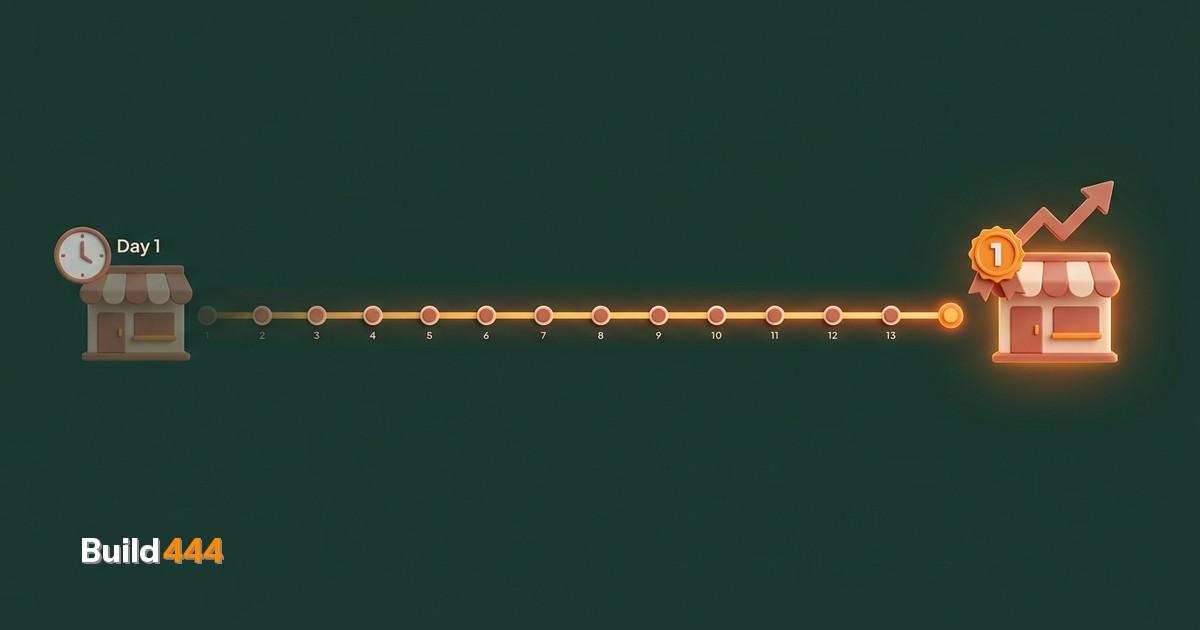
A hat shop that has been open since 1988 and nobody could find online
Kim runs Hattemanden in Kolding, Denmark. The shop has been there since 1988. Walk down the main street and you will find it. Search for it on Google and you would find nothing. No website. No online presence to speak of. Just a physical store that relied entirely on foot traffic and word of mouth.
That worked for 35 years. Then it stopped working. Foot traffic declined. Competitors with online stores started eating into sales. Kim knew he needed a website but had no idea where to start, and the quotes he had received from agencies were either overpriced or underwhelming.
We built him a fully custom Shopify store in 13 days. Not a template with a logo swap. A ground-up custom theme with 28 hand-coded sections, zero paid apps, and SEO baked into every page. Within weeks, it was ranking #1 on Google for his target keywords in Denmark.
This is exactly how we did it.
Why custom and why Shopify
Kim needed two things that pulled in opposite directions. He needed a store that looked and functioned exactly the way he wanted, which usually means custom development. And he needed to manage products, inventory, and orders himself without calling a developer every time he added a new hat, which usually means a platform like Shopify.
We gave him both.
Shopify handles the backend: product management, inventory tracking, order processing, payment handling. Kim can add a new product in five minutes. He can check orders on his phone between customers. He never touches code.
Everything the customer sees is custom. The design, the layout, the navigation, the product pages, the checkout flow. Twenty-eight custom sections built from scratch, not modified templates. This matters because templates force you into their structure. When your business does not fit the template, you either compromise on the experience or hack the template until it breaks.
We do not use paid Shopify apps. Every feature is built into the theme itself. That means no monthly app fees eating into margins, no third-party scripts slowing down the site, and no dependencies on apps that might shut down or change their pricing.
What we built
Hover-to-video on products
When a customer hovers over a product image, it plays a short video showing the hat from multiple angles. This is not standard Shopify functionality. We built it as a custom section that Kim can toggle per product. It works on desktop and gracefully falls back to a static image gallery on mobile.
Dynamic colour switching
Many hats come in multiple colours. Instead of listing each colour as a separate product (which clutters the catalog), we built a colour swatch system that updates the product image, price, and availability in real time when you click a different colour. Seamless, fast, no page reload.
Automated stock alerts from two suppliers
Kim sources hats from two different suppliers with different inventory systems. We built an automation that checks stock levels from both suppliers and alerts Kim when items are running low. No more manual inventory counts. No more selling products that are actually out of stock.
SEO from day one
Every product page has structured data markup (Product schema with price, availability, and reviews). Every category page has optimized meta titles and descriptions. The site has a clean URL structure, proper canonical tags, an XML sitemap, and fast load times. We did not bolt SEO on after launch. It was part of the build from the first line of code.
Want to know where your website stands?
Get your full site analysis →13 days from contract to live site
The timeline:
Days 1-2: Discovery and design. We mapped Kim's product catalog, understood his workflow, and designed the key pages. No wireframes that take weeks. Direct design in the browser.
Days 3-7: Core build. Theme architecture, product templates, collection pages, cart and checkout flow, mobile optimization. The heavy lifting.
Days 8-10: Custom features. Hover-to-video, colour switching, supplier integration, stock alerts. The things that make this store feel nothing like a template.
Days 11-12: Content and SEO. Product descriptions, meta data, schema markup, image optimization, speed testing. The invisible work that makes Google notice you.
Day 13: Launch. DNS switch, SSL certificate, final testing on real devices, analytics setup, and we were live.
Thirteen days is fast, but it is not rushed. It is what happens when you know exactly what needs to be built and you do not waste time on unnecessary process. No three rounds of wireframe revisions. No committee approvals. Direct communication, fast decisions, clean execution.
The results
Hattemanden results: Ranking #1 on Google for target keywords within weeks. 8x increase in website traffic. 93/100 SEO audit score. 28 custom sections, zero paid apps. 13 days from contract to live site. Fully self-managed by Kim with no developer dependency.
The #1 ranking was the most visible result, but the 8x traffic growth tells the fuller story. Kim went from zero online presence to a store that brings in customers from across Denmark. People who would never have walked into a hat shop in Kolding are now ordering hats online and having them shipped to their door.
The 93/100 SEO score means the technical foundation is solid. Fast load times, proper markup, clean code, mobile-first design. This is not a score that degrades over time if you keep adding products the right way. The architecture supports growth.
Zero paid apps means Kim's only ongoing cost is the Shopify subscription itself. No $29/month review app. No $19/month SEO plugin. No $49/month page builder. Everything is built into the theme. Over a year, that saves hundreds of dollars compared to a typical Shopify store loaded with apps.
What made this work
Three things separated this project from a typical Shopify build.
No templates. Templates are fine for testing an idea. They are not fine for building a brand. Kim's store needed to feel like Hattemanden, not like "Shopify store #47,000 using the Dawn theme." Custom code from the first line meant every pixel served a purpose.
Speed as a feature. We treated performance as a core requirement, not an afterthought. No bloated JavaScript libraries. No third-party app scripts loading on every page. No oversized images. The result is a store that loads fast enough that Google rewards it with higher rankings and customers do not bounce before the page finishes rendering.
SEO as architecture, not decoration. Most Shopify stores add SEO after launch. Install a plugin, fill in some meta descriptions, submit to Google, hope for the best. We built SEO into the site structure from the beginning. URL patterns, heading hierarchy, internal linking, schema markup, image alt text, page speed. All of it designed before the first product was uploaded.
The lesson for anyone building an online store
You do not need six months and a massive budget to launch a store that works. You need clarity about what the store needs to do, the discipline to build only that, and the technical skill to build it properly.
Kim had a 35-year-old business with zero online presence. Thirteen days later, he had a custom store ranking #1 on Google. The gap between "no website" and "best website in your niche" is smaller than most people think. It comes down to knowing what to build and what to skip.
If you are running a business that should be selling online but is not, or if you have a Shopify store that looks like every other Shopify store and performs accordingly, we can fix that. Check out our ecommerce services to see how we build stores that actually sell.
Want to know where your current online presence stands? An SEO audit report will show you exactly what is costing you traffic and rankings right now.
And if you are still in the planning phase, our guide on how to launch an online store covers the decisions that matter most before you write a single line of code.
Free: 47-point SEO audit checklist
The same checklist we use on every client site. Download the PDF and audit your own site today.
Get the free checklist →