The math most store owners ignore
90% of ecommerce businesses fail within 120 days.
Not because the product was bad. Not because the market was too competitive. The store itself was set up wrong. Bad platform choice. Checkout that leaks money. Zero thought given to conversion optimization. They spend three months picking a logo and three minutes picking a payment processor.
I have built and launched stores for clients across Denmark and the UK. Some on Shopify. Some fully custom. The ones that survive all share the same fundamentals, and none of those fundamentals involve logo colors.
This is the guide I wish someone had handed me before my first ecommerce build. Every recommendation is based on stores I have actually shipped. Numbers included.
How to choose an ecommerce platform (without regret)
This is the first decision and the one most people get wrong. The choice comes down to three options in 2026:
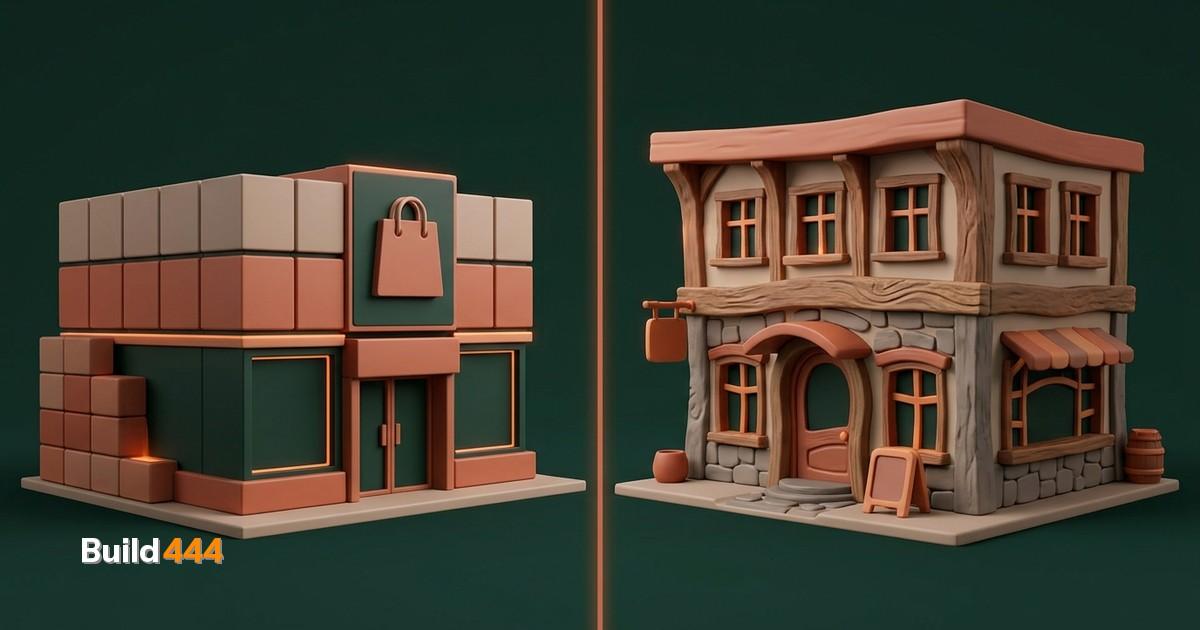
Shopify is the default. It is easy. Templates everywhere. App store for anything you can imagine. But what nobody tells you: Shopify takes a cut of every transaction (0.5-2% on top of payment processing fees), locks you into their checkout unless you pay for Shopify Plus at $2,300/month, and limits what you can do with SEO and page structure.
WooCommerce is the WordPress option. It is free, technically. Then you spend $200/month on hosting, security plugins, performance optimization, and maintenance. Every update risks breaking something. I stopped recommending it in 2024.
Custom builds (Next.js, Remix, or similar with Stripe) cost more upfront but give you total control. No transaction fees beyond Stripe's flat rate. Full control over checkout. Better SEO because you own the HTML. Better performance because there is no platform bloat.
Platform fees over 3 years at $20,000/month revenue: Shopify Basic takes $7,200 in transaction fees alone. A custom build with Stripe: $0 in platform fees. The upfront investment pays for itself in under 6 months.
The honest answer on how to choose an ecommerce platform: if you are testing a product idea and need to launch this week, use Shopify. If you are building a real business that needs to scale, go custom. The middle ground almost never works.
When we built Hattemanden.dk (a Danish hat retailer), we used Shopify with a fully custom theme. Kim needed to manage inventory himself, so the Shopify admin made sense. But we replaced everything customer-facing: custom design, custom checkout flow, proper schema markup. The store went live in 13 days from signed contract. It is now ranking #1 for its target keywords in Denmark.
The takeaway: Shopify is a good shopify alternative to coding from scratch when the client needs to manage products daily. But you still need to replace the default theme and optimize the checkout yourself.
Checkout optimization is where money actually lives
I have a rule: fix checkout before you fix anything else. Ecommerce checkout optimization has the highest ROI of any change you can make to a store.
The average cart abandonment rate is 70.19% according to Baymard Institute. Seven out of ten people who add something to their cart leave without paying. That is not a traffic problem. That is a checkout problem.
What kills checkouts:
Forced account creation. If someone needs to create an account before they can buy, you lose 24% of them immediately. Guest checkout is mandatory.
Too many steps. Every additional page in checkout drops conversion by 10-15%. The best performing stores I have built use single-page checkout. Product, shipping, payment, done.
Hidden costs. Shipping fees, taxes, or handling charges that appear at the last step cause 48% of abandonments. Show the total price as early as possible. Preferably on the product page itself.
Slow load time. If your checkout takes more than 3 seconds to load, you lose 53% of mobile shoppers. This alone is why platform bloat kills stores. A custom checkout built with Stripe Elements loads in under a second.
We run Stripe for payment processing on every store we build, including our own shop. It handles cards, Apple Pay, Google Pay, Klarna, and local payment methods in a single integration. No plugins needed.
Want to know where your website stands?
Get your full site analysis →Ecommerce conversion optimization beyond checkout
Checkout is the biggest lever, but not the only one. The full conversion stack for a store that actually sells:
Product pages that answer objections
Most product pages list features. Good product pages answer the question "why should I buy this right now instead of from someone else?" That means social proof, specific benefit statements, and urgency that is not fake.
We built Hattemanden's product pages around this principle. Every listing leads with the specifics a buyer actually weighs, material, fit, and sizing, and hover-to-video shows the hat moving on a real head instead of sitting flat on a table. Each page answers the trust question before the visitor has to ask it.
Site speed is a conversion tool
Google confirmed that a 1-second improvement in mobile load time increases conversions by up to 27%. I treat performance budgets the same way I treat financial budgets. Every image is compressed. Every script is justified. If it does not directly contribute to a sale, it does not load.
Mobile-first is not a suggestion
73% of ecommerce traffic is mobile. If your store does not work perfectly on a phone, you are losing three-quarters of your potential revenue. Test on actual devices, not just browser resize.
Search and filtering
If you have more than 20 products, search and filtering are not nice-to-haves. They are conversion tools. Visitors who use site search convert at 2-3x the rate of those who browse. Make search prominent, fast, and forgiving of typos.
Product catalog and inventory management
The boring stuff that separates real stores from hobby projects.
SKU structure matters. Set up a consistent naming convention before you add your first product. Category-subcategory-variant (HAT-FEDORA-BLK-M). It sounds tedious. It saves you hundreds of hours when you have 500 products and need to find something in your inventory system.
Product photography. You do not need a professional studio. You need consistency. Same background, same lighting, same angles for every product. A white background, a ring light, and a phone camera from the last three years is genuinely enough for most products. Inconsistent photography destroys trust faster than anything else.
Descriptions that rank. Every product description should be unique (no manufacturer copy-paste), include the primary keyword naturally, and be at least 150 words. Yes, for every product. This is tedious. But it is the reason some stores rank and others do not.
Inventory sync. If you sell on multiple channels (your store plus marketplaces), inventory sync is non-negotiable from day one. Overselling and then canceling orders will tank your reputation. Shopify handles this natively. Custom builds need a dedicated inventory management integration.
Post-purchase: where repeat revenue comes from
Getting the first sale is the hard part. Getting the second sale should be automatic.
Set up these automations before you launch, not after:
- Order confirmation email with tracking and a clear timeline for delivery
- Shipping notification with direct tracking link
- Review request sent 7 days after delivery
- Win-back email sent 30 days after purchase with a related product recommendation
I wrote about how we automate every business process including post-purchase flows. The short version: if a human is manually sending order confirmations, that is time and money you are setting on fire. Automate it from day one.
The cost of acquiring a new customer is 5-7x higher than retaining an existing one. Every dollar you spend on post-purchase experience returns more than every dollar you spend on ads.
Payment processing: the decision that costs you money every month
Stripe charges 1.5% + 0.25 EUR per transaction in Europe (2.9% + $0.30 in the US). That is the baseline. Every platform that adds fees on top of this is cutting into your margins.
Compare:
- Stripe directly: 1.5% + 0.25 EUR
- Shopify Payments (Basic): 1.9% + 0.25 EUR (effectively the same as Stripe but locked to Shopify)
- Shopify with third-party payment: Stripe's rate plus 2% surcharge from Shopify
- PayPal: 2.49% + 0.35 EUR
At $10,000/month revenue, the difference between Stripe direct and Shopify with third-party payments is $200/month. That is $2,400/year going to a platform fee instead of your bank account.
If you are on Shopify, use Shopify Payments (it is Stripe under the hood). If you are on a custom build, integrate Stripe directly. There is no reason to use anything else as your primary processor in 2026.
Launch checklist
Before you go live, verify:
- [ ] Guest checkout works end-to-end (test with a real card, not test mode)
- [ ] Mobile checkout completes in under 60 seconds
- [ ] All product pages have unique descriptions, proper images, and schema markup
- [ ] Site loads in under 3 seconds on mobile (test with PageSpeed Insights)
- [ ] Order confirmation email sends automatically
- [ ] Inventory is accurate and synced across channels
- [ ] Payment processing is in live mode (not test/sandbox)
- [ ] SSL certificate is active and no mixed content warnings exist
- [ ] Google Analytics and conversion tracking are firing correctly
- [ ] robots.txt is not blocking important pages
The real competitive advantage
The stores that win in 2026 do not have the best design or the biggest ad budget. They have every step from product page to delivery confirmation optimized to reduce friction.
That means choosing a platform that does not fight you. Building a checkout that does not leak money. Setting up automations that make the second purchase effortless. And measuring everything so you know what to fix next.
If you are launching a store and want it built properly from day one, that is what we do. See our ecommerce services or grab an SEO audit to find out what is already costing you traffic and sales.